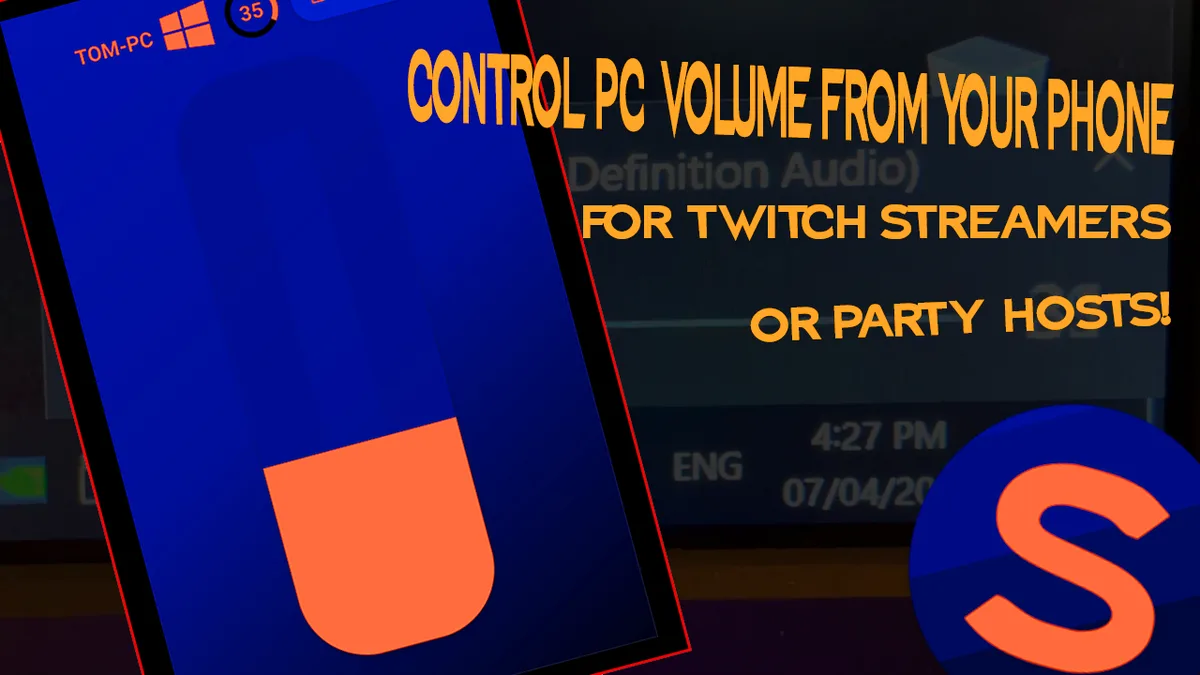
Streamers playing a full-screen game can’t easily reach the volume controls, and neither can someone listening to music from across the room. Soundboy fixes that: run a small server on the PC, open the app on your phone, and the volume is under your thumb.
How it works
- A Delphi server runs on the PC and listens on the local network over UDP. It reads and sets the system’s master volume, clamped between silent and full.
- Phone apps for Android (Java) and iOS (Swift). The Android app searches the network for servers and lists what it finds, so most people never type an address. For everyone else, the server can show a QR code with its address and port to scan.
- A tiny protocol. The app says hello, the server replies, and from then on the app can turn the volume up, down or to an exact level. After every change the server sends back the new level, so the phone always shows the truth.
What I’d do differently
Soundboy trusted any device that said hello. On a home network, for a volume control, that’s a reasonable trade. But it’s exactly the shortcut that becomes dangerous once software can do more than change the volume. Anyone on the same Wi-Fi could have taken over, and nothing stopped a message being replayed.
Six years later, Dashcat answers the same question, “how do I safely control this computer from somewhere else?”, very differently: pairing with a one-time code that never crosses the network, mutually authenticated connections, and commands that are signed for one machine and expire after 60 seconds. Read about Dashcat.